Too long?
Make that much shorter — 3 bullet points.
 FixKit AI
You'll be using AI in about 5 minutes. No tech skills needed — if you can send a text message, you can do this. Kit will show you exactly where to tap.
It's like texting a very smart helper who never gets tired of questions. You type (or say) what you need — "Explain my phone bill", "What can I make with eggs and spinach?" — and it writes back in seconds. It can be wrong sometimes, so double-check anything important.
Tap one to see exactly where to tap on its website. Not sure? Pick the one already on your phone — they all work with FixKit prompts.
 1234
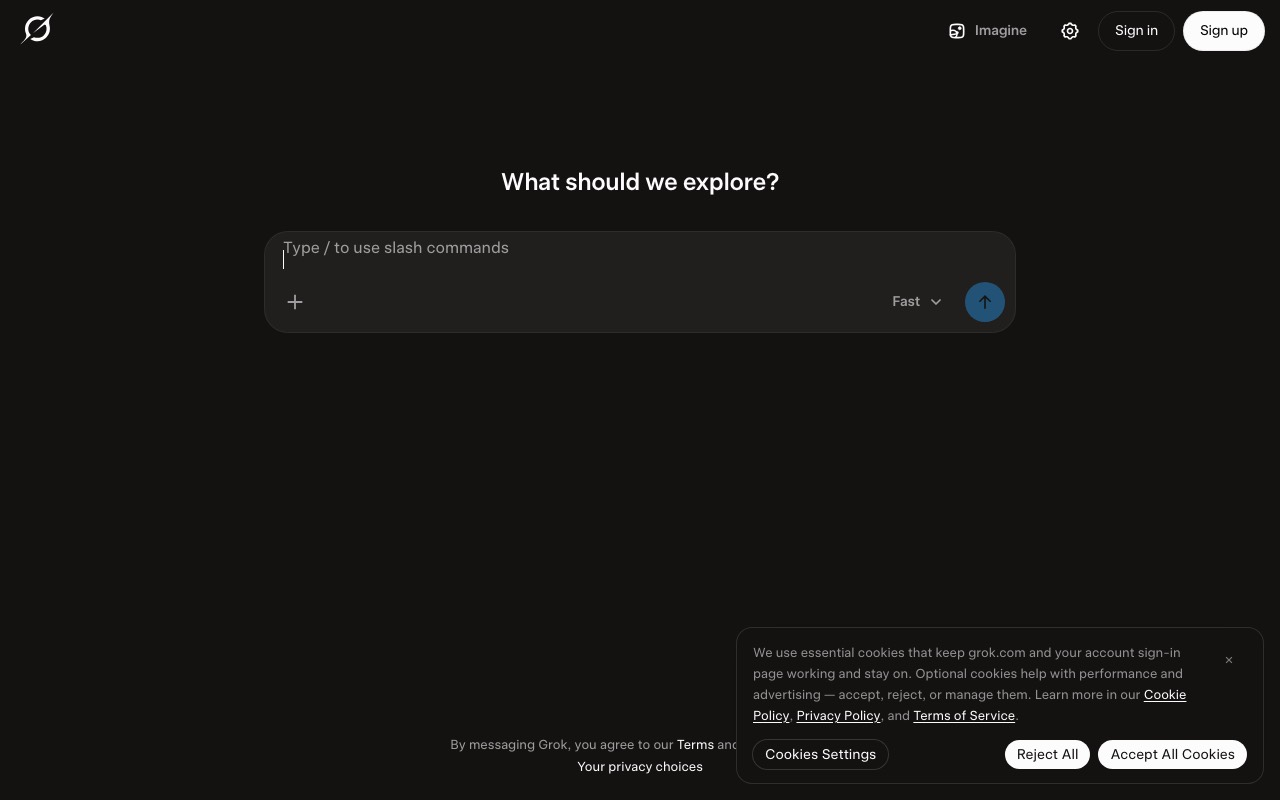
1234Grok Bot is different from plain Grok. Plain Grok is the free chat — you ask, it answers. Grok Bot gives you helper bots that keep doing chores for you while you’re away (a morning news brief, watching for a refund, finding shows near you). It lives inside Grok: sign in, then open the left menu → Bots → Grok Bot. Grok Bot is part of Grok’s paid plans.
1234Grok is the free chat app from xAI — ask anything and it answers, with up-to-date news from the web and X. It’s also on iPhone, Android and in many Teslas. Want helpers that do chores for you on their own? That’s Grok Bot (see the Grok Bot tab).
 1234
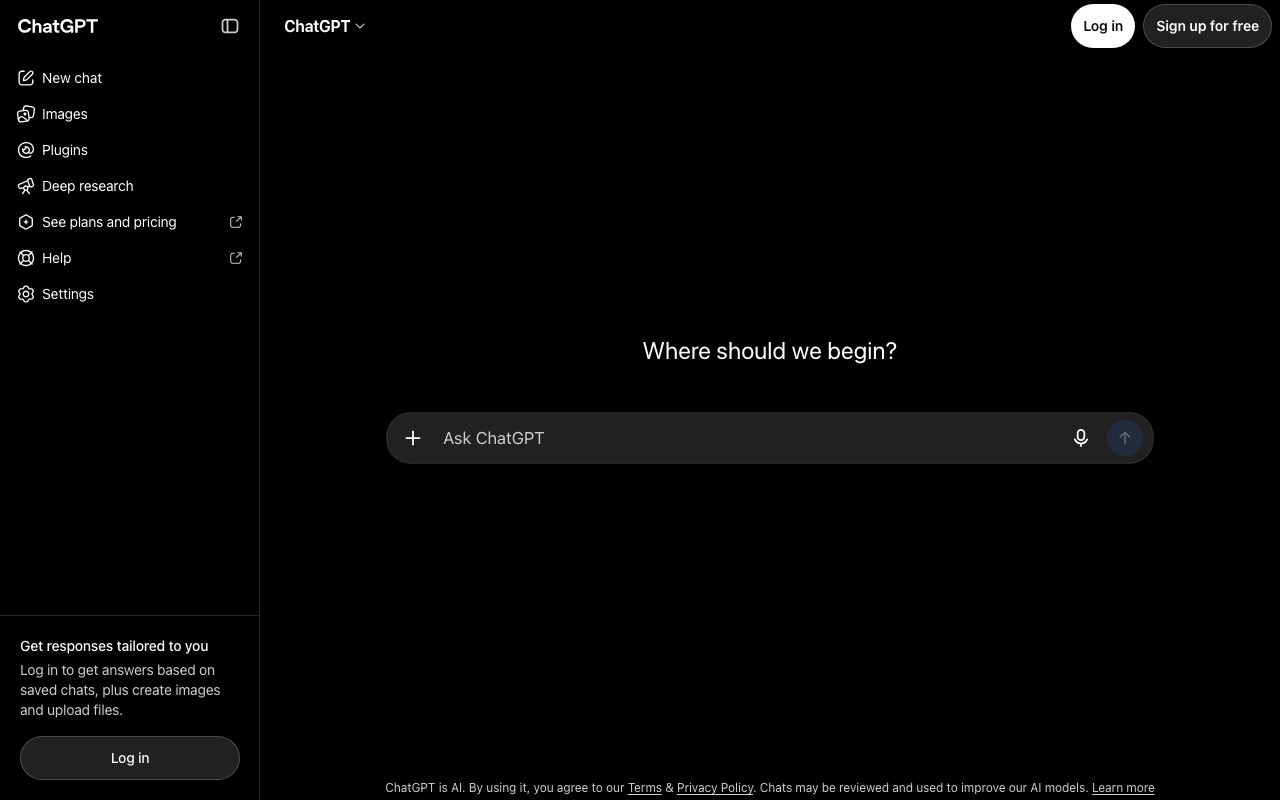
1234Once you’re signed in, the same box is at the bottom of the screen. Your old chats are listed on the left.
 1234
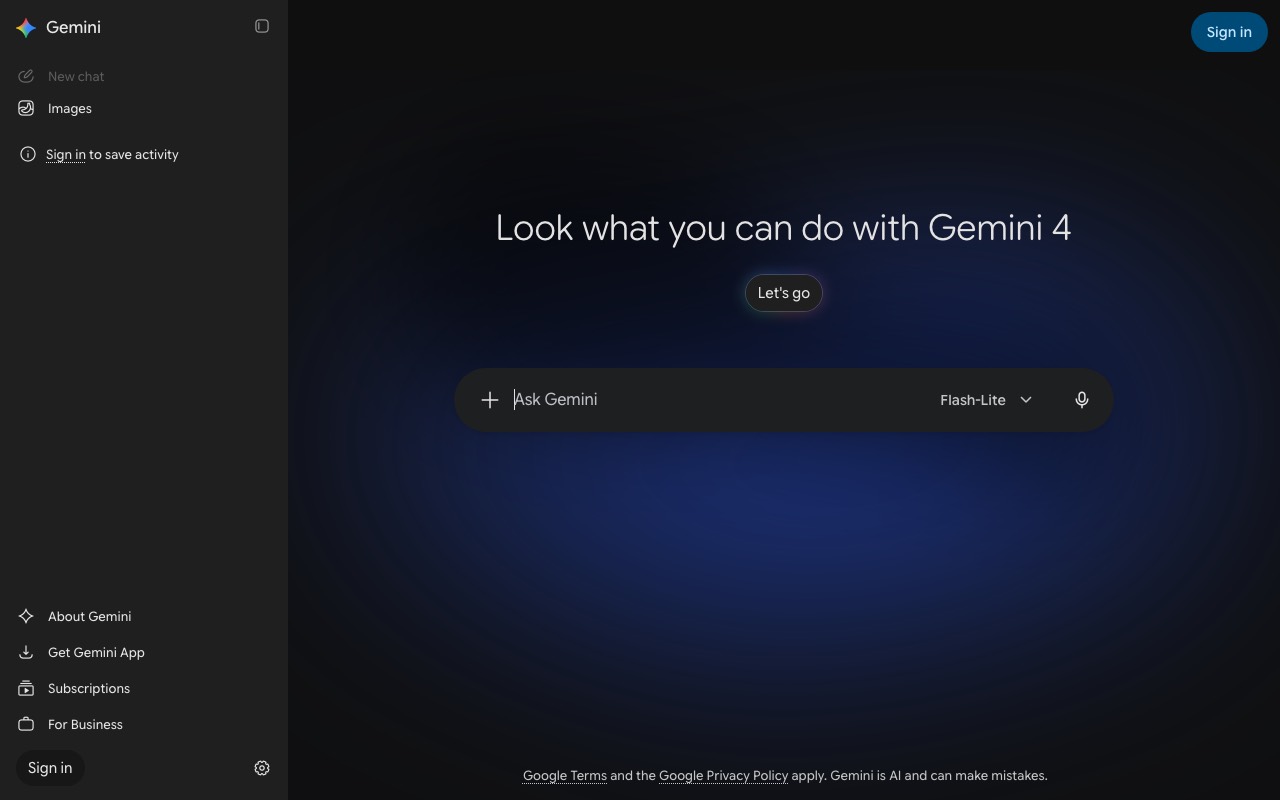
1234Gemini uses your Google account, so if you have Gmail you already have a login.
 123
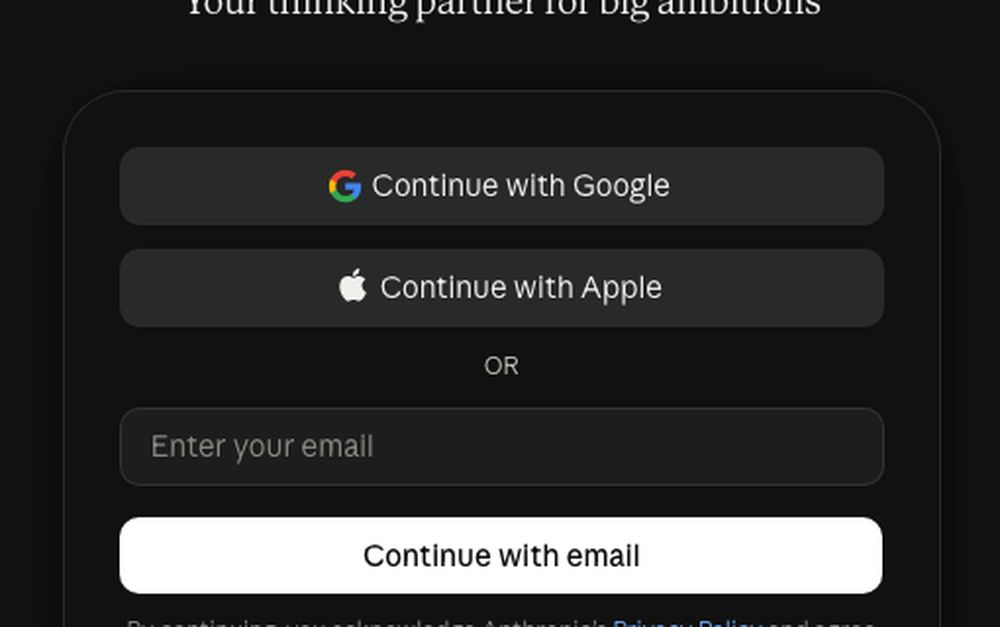
123After you sign in you’ll see a big box that says “How can I help you today?” — that’s where you paste.
 12
12You can also message Muse right inside WhatsApp. Muse checks with you before it sends an email or buys anything.
 123
123Hark Pro is free to start. It checks in with you before anything that needs your approval.
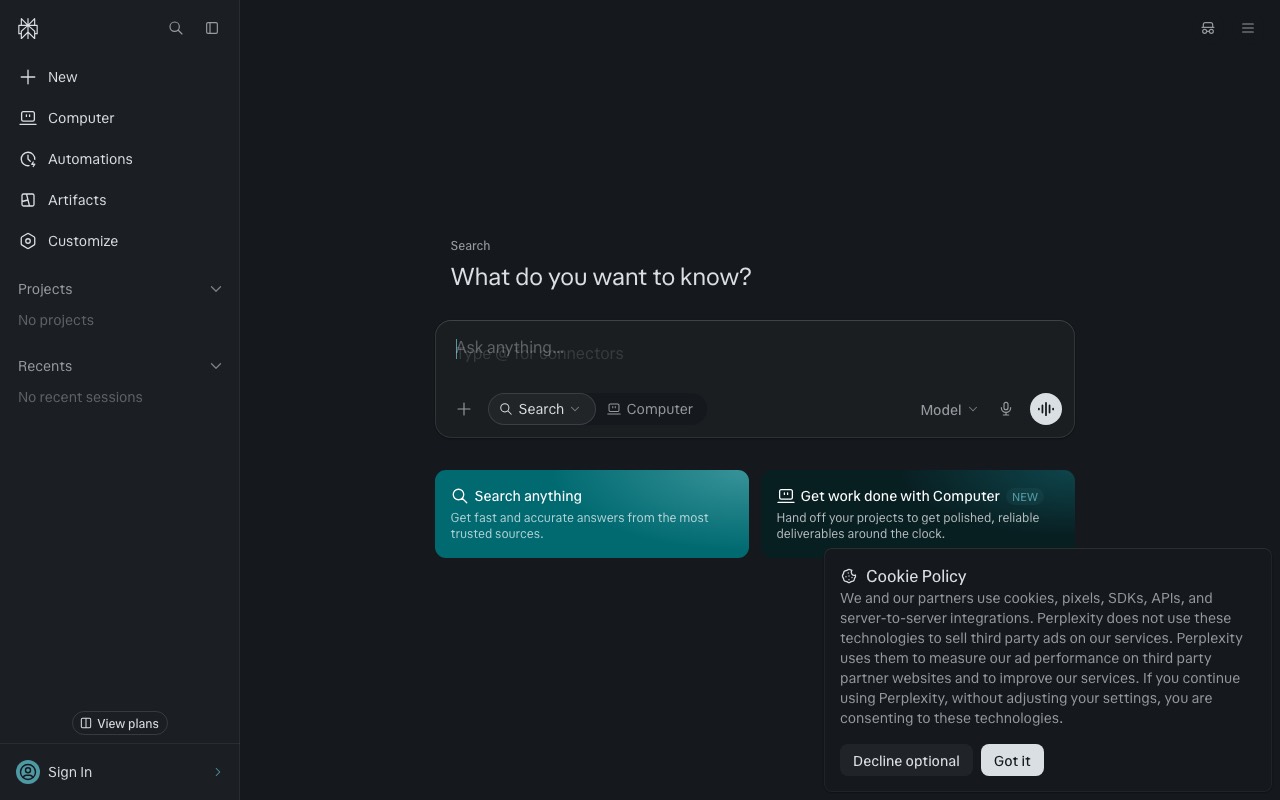 1234
1234Perplexity is best for questions where you want the sources listed.
Pictures show each website before you sign in (October 2026). Websites change their look sometimes — the buttons usually keep the same names.
Press the orange button. It copies this message and opens your AI. Then paste it in the box and press send (the ↑ arrow).
Hi! I'm brand new to AI. In 5 short bullet points, tell me the most useful things you can help me with at home — like you're explaining to a friendly 10-year-old. Then ask me one question to get started.
Typing is hard on a phone. Look for the microphone in the message box. Tap it and just talk, like leaving a voice message: "I got a letter from my insurance and I don't understand it. Can you help?" Many apps also have a voice mode (a sound-wave button) where you can have a spoken conversation.
Tap the + (or the paper clip) next to the message box, choose Camera or Photos, and snap the bill, letter or recipe. Then ask: "What does this mean in plain words?"
🔒 Before you take the photo, cover your name, address, account numbers and ID numbers with a sticky note or your finger.
You can't break it. Copy one of these and send it:
Make that much shorter — 3 bullet points.
Explain that again like I'm 10 years old.
That's not what I meant. Let me explain again: [say it a different way].
Give me step-by-step instructions, one step at a time. Wait for me to say "done" before the next step.
How sure are you? What should I double-check, and where?
I'm not asking for advice — just help me understand it and list questions to ask a professional.
My bill doesn't match my insurance statement and nobody will explain it.
5 tools · 3-step recipe · copy-ready promptI'm paying for things I don't use and can't remember what they are.
7 tools · 3-step recipe · copy-ready promptEvery night it's 'what's for dinner?' and we waste food.
8 tools · 3-step recipe · copy-ready promptI don't know where to go or how to fit it all in.
7 tools · 3-step recipe · copy-ready promptOr pick a topic: 🎵 live music near you, 🍽️ dining in & out, 🏥 health bills, 🤖 your AI toolkit.